Offline GPS Speedometer for Motorcycle Speed Tracking
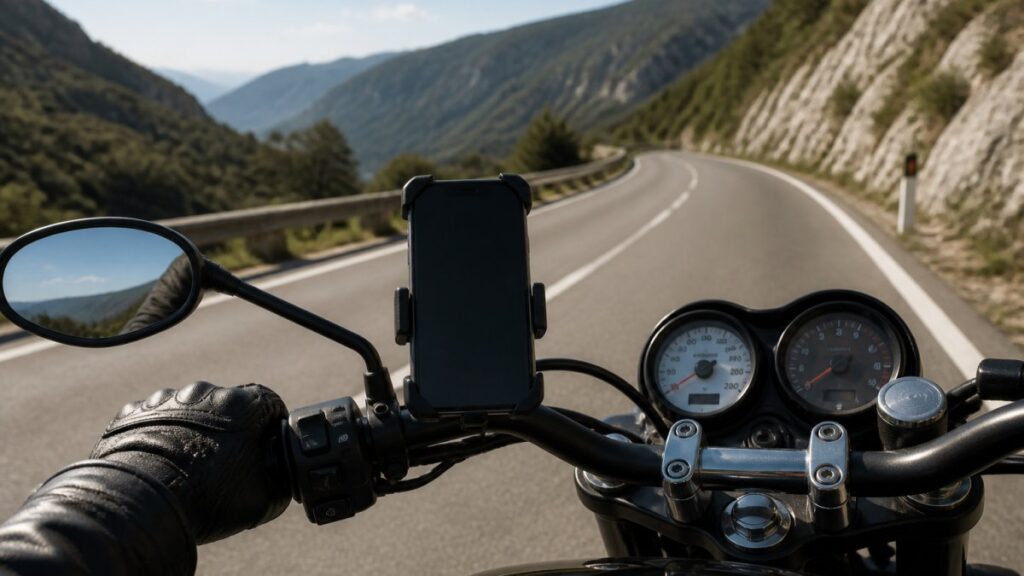
Table of Contents
- Why Riders Use an Offline GPS Speedometer for Motorcycle Speed Tracking
- What You’ll Need Before You Start
- Step-by-Step: Set Up a GPS Speedometer Without Internet
- GPS Speedometer Accuracy for Motorcycles: What to Expect
- Using a Motorcycle Trip Tracking App Offline
- GPS Speedometer HUD for Motorcycles: Setup and Safety
- Common Mistakes to Avoid with Offline GPS Speed Tracking
- Frequently Asked Questions
Last Updated: October 8, 2026
Why Riders Use an Offline GPS Speedometer for Motorcycle Speed Tracking
An offline GPS speedometer is a phone app that calculates your speed from satellite signals instead of a cell tower, so it keeps working when mobile data drops.
This guide from Edmond Industries covers how to set up a GPS speedometer without internet, how accurate it really is, and how to mount it safely.
Here is the core idea most riders miss: your phone’s GPS receiver does not need a data connection to get a position fix.
Below, we’ll show you exactly how to set this up, test it in airplane mode, and avoid the mistakes that make riders distrust GPS speed readings.
What You’ll Need Before You Start
Gather these items before your first offline ride. Skipping this step is the most common reason riders think GPS speed tracking “doesn’t work.”
- A phone with a working GPS receiver (most Android and iPhone models from the last several years qualify)
- A handlebar mount or phone holder rated for vibration
- A charged phone battery plus a charging cable or power bank
- The GPS Speedometer app installed and opened once while online
One note on mounts: motorcycle engine vibration is hard on phone cameras and connectors. A mount with rubber damping costs a little more and saves you a repair bill later.
Step-by-Step: Set Up a GPS Speedometer Without Internet
Setting up a GPS speedometer without internet takes about ten minutes. Do it at home on Wi-Fi, then verify it works with no connection at all.
- Install the app and open it while connected to Wi-Fi.
- Allow location permission when prompted. Choose “while using the app” or “always,” depending on your phone.
- Let the app download any offline maps or route data it offers.
- Save the routes you plan to ride while you still have Wi-Fi.
- Turn on location services in your phone settings if they were off.
- Close the app, then reopen it to confirm your settings saved.
Download Maps and Cache Routes on Wi-Fi
Map tiles and route data are the only parts that need a data connection. Download them at home before you leave. If your app does not offer offline maps, you can still track speed and distance; you just won’t see a base map behind your route line.
Test in Airplane Mode Before You Ride
This is the step almost nobody does, and it is the one that matters most. Turn on airplane mode, then walk outside with a clear view of the sky. Open the app and wait for a GPS signal lock.
If your speed reading appears and updates as you move, you are ready. If it stays blank, your phone’s GPS is struggling, and no app will fix that.
Airplane mode disables Wi-Fi and cellular but leaves the GPS receiver running on most phones. That makes it the cleanest way to prove your setup works with zero internet connection before you trust it on a ride.
GPS Speedometer Accuracy for Motorcycles: What to Expect
A GPS speedometer is often more accurate than a factory motorcycle speedometer, but the reason matters more than the claim. Your factory gauge calculates speed from wheel rotation and a fixed assumed tire circumference.
That does not make GPS perfect. Three mechanisms explain almost every accuracy complaint riders report:
- Sampling rate. Consumer phone GPS typically produces a position fix about once per second. Speed is calculated from the distance between fixes, so a hard acceleration or braking event can show a brief lag before the number catches up.
- Satellite geometry. Accuracy is best when the receiver sees many satellites spread across the sky. In a deep canyon or a dense urban corridor, satellites cluster or drop out, and the reading can wander or freeze.
- Low-speed noise. At walking pace or a slow crawl, the distance between one-second fixes is small, so small position errors look like larger speed errors. This is normal and not a sign of a faulty app.
Here is how the two sources compare in practice:
| Factor | Factory Speedometer | GPS Speedometer |
|---|---|---|
| Typical bias | Reads high | Reads true ground speed |
| Works in tunnels | Yes | No |
| Works with no cell signal | Yes | Yes |
| Affected by tire size changes | Yes | No |
| Affected by satellite geometry | No | Yes |
| Shows trip and max speed | Rarely | Usually |
The takeaway: use GPS as your accuracy reference, but keep your factory gauge as a backup in dead zones. Neither source is always right, they fail in different ways.
How to Run a Simple Accuracy Test
Pick a straight, open stretch of road with a clear view of the sky. Hold a steady speed for 30 to 60 seconds and compare your GPS reading to your factory gauge. Note the gap.
Repeat the test at two or three different speeds. A consistent gap points to speedometer calibration; a jumping, erratic reading points to signal reception problems instead.
Do not stare at your phone to run this test. Have a passenger record the numbers, or review the trip log after you stop. Checking a screen mid-ride is how riders miss a curve.
Reading the Numbers Without Over-Trusting Them
A GPS speedometer is a tool, not a verdict. Treat a steady reading as reliable and a fluctuating one as a signal to check your sky view. If your reading lags in a tunnel, that is expected physics, not a failure.
The honest framing is this: GPS gives you a strong second opinion on your factory gauge, and it is the better source for trip distance and average speed over a long ride.
Using a Motorcycle Trip Tracking App Offline
A motorcycle trip tracking app records your route, distance, and speed history using only GPS. With no data connection, it can still log your trip distance, maximum speed, and average speed for the whole ride.
Edmond Industries built its GPS Speedometer app around this exact use case. It tracks speed, distance, and trip stats offline, then syncs when you are back online.
What Offline Tracking Can and Cannot Do
Offline tracking is powerful, but it has real limits. Knowing them keeps you from blaming the app for a coverage problem.
What works offline:
- Real-time speed display
- Odometer and trip meter totals
- Maximum and average speed
- Route tracking via recorded GPS points
What needs a connection:
- Live traffic and speed limit data
- Map tile downloads
- Cloud backup and syncing
- Sharing a live ride with someone else
If you need speed limit alerts, download that data before you leave coverage. Otherwise, treat offline mode as a speed and distance tool, not a navigation system.
Battery, Heat, and Power Management on a Motorcycle
This is the part most guides skip, and it is the part that ends rides early. Running GPS with the screen on is one of the heaviest loads a phone can carry. On a motorcycle, you also have direct sun, engine heat, and vibration working against you.
A few practical habits keep the setup alive on long rides:
- Lower screen brightness. A dim screen in daylight is still readable on most modern phones and can meaningfully extend runtime.
- Close background apps. Navigation, music, and social apps competing for GPS and CPU all shorten battery life.
- Use a bike-powered USB outlet if your motorcycle has one, or carry a power bank rated for the ride length.
- Shade the phone. A black mount in direct sun can push a phone into thermal throttling, which dims the screen or shuts it down mid-ride.
- Take breaks on hot days. Letting the phone cool for a few minutes at a stop prevents a mid-ride shutdown.
A phone that overheats will dim its screen or shut down mid-ride, killing your speed display without warning. On hot days, shade the phone or take breaks to let it cool.
Privacy and Location-Data Handling
GPS apps record where you go, and that history is sensitive. Before you rely on one, check what it stores and how it is handled.
- Review the app’s location permission settings and choose the narrowest option that still works for your ride.
- Turn off background location when you are not riding.
- Check whether trip history is stored on the device or synced to a cloud account, and whether you can delete it.
- Be cautious with any feature that shares a live ride with someone else, it broadcasts your position in real time.
Your route history is yours. Treat location data the way you treat your keys: keep it with you unless you have a reason to hand it over.
GPS Speedometer HUD for Motorcycles: Setup and Safety
A GPS speedometer HUD for motorcycles projects your speed onto the visor or reflects it off the phone screen, so you keep your eyes up instead of looking down.
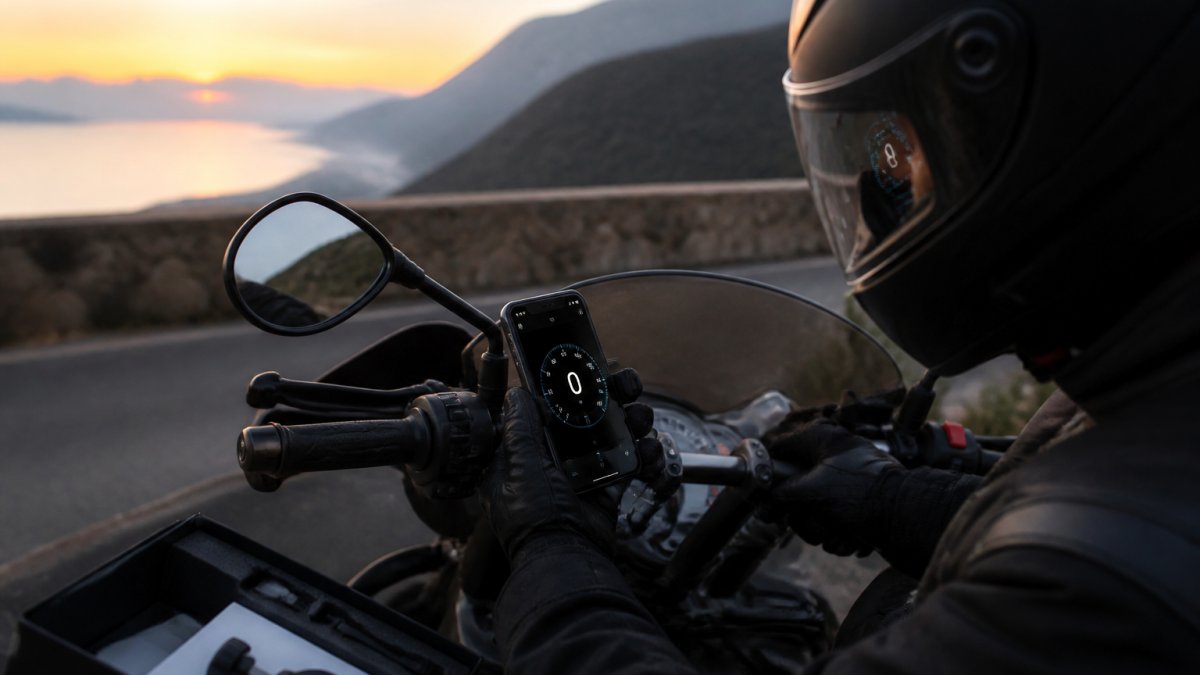
Mount the phone low and centered on the handlebar. Angle the screen so the reflection lands in your natural line of sight. Test it while parked before you ride.
A few safety rules we recommend:
- Set up and test the HUD while stopped, never in motion
- Keep the screen brightness moderate so it does not glare at night
- Use voice prompts for anything you would otherwise read
- Skip the HUD entirely in heavy traffic if it pulls your focus
Distraction reduction is the whole point. A HUD that you have to squint at is worse than a quick glance at a gauge.
The best HUD setup is the one you forget is there. If you notice it constantly, it is too bright, too high, or too cluttered. Simplify the display until it fades into the background.
Common Mistakes to Avoid with Offline GPS Speed Tracking
Most offline GPS problems trace back to a handful of avoidable mistakes. Here are the ones we see riders make again and again.
- Never opening the app online first. Some apps need one connected launch to fetch settings and map data.
- Leaving location services off. The app cannot read satellites without permission.
- Testing only in a garage or under cover. GPS needs open sky; a roof blocks the signal.
- Ignoring battery drain. A screen on at full brightness plus GPS can drain a phone fast. Carry a charger.
- Trusting GPS in a tunnel. No signal means no reading. Expect the gap.
On battery, the practical fix is simple: lower screen brightness, close background apps, and plug into a bike-powered USB outlet if you have one. Heat matters too.
A quick word on privacy: GPS apps record where you go.
Frequently Asked Questions
Do GPS speedometers work without internet?
Yes. A GPS receiver in your phone calculates speed from satellite signals, which do not require mobile data or Wi-Fi. You can run an offline GPS speedometer in airplane mode and still see real-time speed, trip distance, and average speed. The catch is maps: download offline maps while on Wi-Fi first, because map tiles need a data connection unless they are cached on the device.
How accurate is GPS speed tracking compared with a motorcycle speedometer?
GPS speed tracking is typically accurate within about 1 to 3 mph under a clear sky, and it does not depend on tire size or gearing the way a factory speedometer does. Motorcycle speedometers often read a few percent high by design. For the most reliable comparison, run both on a straight, open road at a steady speed and note the difference over several runs.
Can a motorcycle trip tracking app record a full ride offline?
A motorcycle trip tracking app can log speed, distance, maximum speed, and average speed entirely offline because those metrics come from satellite signals. Route maps, live traffic, and cloud sync need a connection. Start tracking before you lose signal, keep the app in the foreground, and sync the ride once you are back online so nothing is lost.
What can interfere with GPS speed readings while riding?
Tall buildings, dense tree cover, tunnels, and mountain roads can block or reflect satellite signals, causing brief speed dropouts or jumps. Phone placement matters too: a metal tank bag or a pocket under your body blocks reception. Mount the phone with a clear view of the sky, keep location services on, and give the GPS 30 to 60 seconds to lock before you ride.
Tracking your speed and distance offline comes down to preparation: download your data, test in airplane mode, and mount your phone safely. Edmond Industries builds the GPS Speedometer Android app to handle exactly this, with accurate offline GPS tracking, a stable HUD mode, and full trip logging for motorcycles, trucks, RVs, and bikes. It keeps working when your signal does not. Download the Edmond Industries GPS Speedometer app and start tracking every ride with confidence.