Satellite Speed Readings: How Accurate Are They?
A dashboard says 72 mph. Your phone says 69 mph. Neither number is automatically wrong. They are measuring motion in different ways, with different assumptions, and that gap is exactly why satellite speed readings are useful when you know what they represent.
For drivers, the practical question is not whether GPS is perfect. It is whether the reading is dependable enough for a road trip, speed check, trip log, heads-up display, or a quick comparison with the vehicle’s instrument cluster. In clear conditions at a steady speed, the answer is usually yes. But a phone’s satellite-based speed is only as good as its view of the sky, its receiver, and the software interpreting the data.
What Satellite Speed Readings Measure
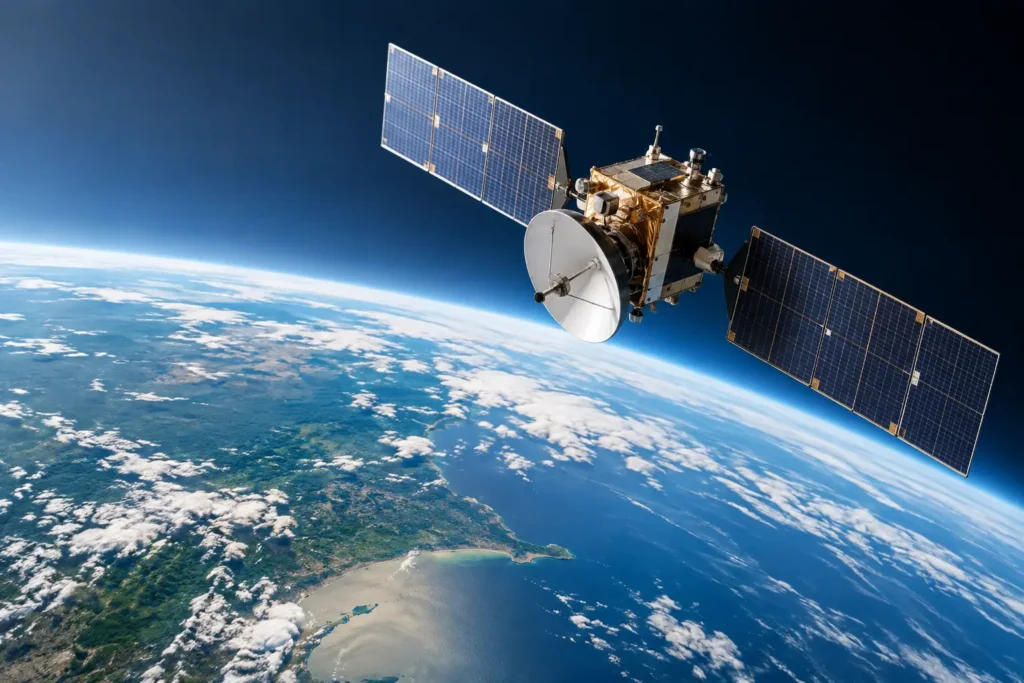
Despite the common label, satellites do not send your speed directly to your phone. A GPS or GNSS receiver listens for timed signals from multiple satellites and calculates its own position. It can then determine speed from the change in position over time, or from changes in the satellite signal itself, often called Doppler measurement.
Modern phones may use more than GPS. They can also use other global navigation satellite systems, such as Galileo, GLONASS, and BeiDou, when the hardware and software support them. More usable satellites can improve availability and positioning, especially when part of the sky is blocked. It does not mean every reading will be exact to the tenth of a mile per hour, but it gives the receiver more information to work with.
At highway speed on an open road, satellite-derived speed can be very stable. Speed is often easier for a receiver to calculate accurately than absolute location because the measurement focuses on movement rather than the exact point on a map. That is why a good GPS speedometer can be a practical second opinion when a vehicle gauge looks questionable.
The distinction matters at very low speeds. Walking through a parking lot, rolling in traffic, or creeping through a drive-through produces small position changes that are harder to separate from normal GPS variation. Software may smooth the result to keep the display from jumping around. That makes the number easier to read, but it can introduce a slight delay when you accelerate or brake.
Why Your Car Gauge May Read Higher
A vehicle speedometer usually estimates speed from wheel rotation, transmission output, or wheel sensors. It is fast and always available, including in tunnels. But its calculation depends on tire circumference and factory calibration.
Tires do not maintain one exact rolling diameter for their entire life. Pressure, temperature, tread wear, load, replacement tire size, and wheel changes can all alter the effective circumference. A larger-than-stock tire can make the vehicle travel farther per wheel rotation than the system expects. A smaller tire can have the opposite effect.
Manufacturers also commonly calibrate speedometers so they do not under-report speed under normal tolerances. As a result, a factory gauge that reads a little high is not unusual. A difference of 2 to 5 mph at highway speed may be normal, though the acceptable range depends on the vehicle, tires, and local regulations.
Satellite speed and a vehicle gauge can therefore disagree for a sensible reason. The GPS reading is based on motion over the ground. The vehicle gauge is based on rotating components and a calibration model. If the difference is consistent on a straight, open road, the satellite reading may be the better reference for actual ground speed. If the difference appears only in dense city streets or under heavy tree cover, GPS conditions may be the issue instead.
The Conditions That Affect Accuracy
A clear view of the sky is the largest factor. Open highways, rural roads, and wide suburban streets generally give a phone the best opportunity to track speed well. Tall buildings, cliffs, dense forests, covered parking structures, and tunnels reduce signal quality or block signals entirely.
In a downtown corridor, signals can bounce off glass and concrete before reaching the receiver. This is called multipath. The phone may still show a location and speed, but the calculation can be less stable than it would be on an unobstructed road. A similar effect can occur near steep terrain, where only a narrow slice of sky is visible.
Phone placement also matters. A device mounted near a windshield typically has a better view than one buried in a center console, backpack, or metal-lined compartment. Most vehicles do not completely block satellite signals, but heated windshields, metallic window coatings, and a poor mounting location can weaken reception.
The app’s update rate and filtering matter as well. A display that updates once per second can be plenty for normal driving, but it will not react like a performance data logger. Some apps prioritize a calm, readable number. Others show more immediate changes, which can look less polished during stop-and-go driving. Neither approach is universally better. It depends on whether you need a usable driving display or detailed acceleration data.
Cell service is not required to calculate GPS speed once the receiver has satellite data, although internet access can help a phone obtain satellite assistance data faster after startup. This is one reason a GPS speedometer can remain useful on remote roads where map data or mobile coverage is limited.
When to Trust the Number
Treat satellite speed as most dependable when you are traveling steadily on a straight, open road for at least several seconds. That is the right setting for checking a speedometer, setting a cruise-control reference, or monitoring highway travel.
Be more cautious during hard acceleration, sharp turns, repeated stops, and rapid lane changes. A consumer phone is not a certified test instrument, and a rounded display is not a legal defense against a speed limit violation. Use it as a clear reference, then leave a reasonable margin below the posted limit.
Tunnels are the obvious exception. Once satellite signals are lost, a basic GPS speed app cannot measure current ground speed from satellites. Some phones and vehicles use motion sensors, wheel data, or map matching to estimate continued movement, but that estimate can drift. When the sky returns, the app should regain a live fix and settle back into normal operation.
Getting Better Satellite Speed Readings
Start with a simple test rather than judging an app from a single glance. Mount the phone where it has a clear forward or upward view, let it acquire a location before moving, and compare readings on a flat, open stretch of road. Hold a steady speed for 10 to 20 seconds. If the satellite reading is stable while the dashboard stays consistently higher, you have a meaningful comparison.
Avoid testing in a parking lot, between tall buildings, or immediately after starting the app. Receivers need a moment to establish a solid fix, especially after the phone has been off, restarted, or moved a long distance. Battery-saving settings can also restrict location updates in the background, so check that the app has appropriate location permission when using it for navigation or a heads-up display.
For a daily driving tool, prioritize legibility over false precision. A large speed display, sensible screen brightness, and a stable update pattern are more useful than a screen crowded with decimals. GPS Speedometer, for example, is built around that practical use case: speed, trip data, and a driver-readable display rather than laboratory-style telemetry.
A Better Way to Compare Readings
If you are trying to diagnose a suspected speedometer issue, repeat the comparison at several steady speeds. Check around 30 mph, 45 mph, and 65 mph where road conditions permit. A small difference that grows with speed can point to tire-size or calibration effects. A difference that comes and goes with surroundings is more likely related to satellite reception.
Keep the vehicle setup in mind. Confirm that tire size matches the door-jamb specification or the size programmed into the vehicle, and check tire pressure before treating any comparison as definitive. If the dashboard reading seems wildly wrong, or the needle jumps unpredictably, a mechanical or sensor problem deserves professional inspection.
Satellite speed is not magic, and it is not a replacement for attention behind the wheel. It is a useful measurement method with clear strengths: it tracks actual movement over the ground, works independently of tire wear, and gives drivers a solid reference in normal open-road conditions. Use it where it performs best, understand where it does not, and the number on the screen becomes far more useful than a guess.